A website is not a brochure you finish once. It is a working part of your business: it should help someone understand what you do, trust you and take the next step. That is why the fastest way to begin is not by choosing colors. It is by deciding what that next step is.
1. Give the website one primary job
Pick the action that matters most right now: book an appointment, request a quote, buy a product or subscribe for updates. Everything else can support that job. This decision makes the homepage, navigation and calls to action much easier to write.
2. Gather the material before you design
Write a short description of who you help, collect a handful of real photos and note your proof: reviews, examples, credentials or measurable results. You do not need a perfect brand kit. You need enough honest material to make the first page feel specific.
3. Start from a structure that already works
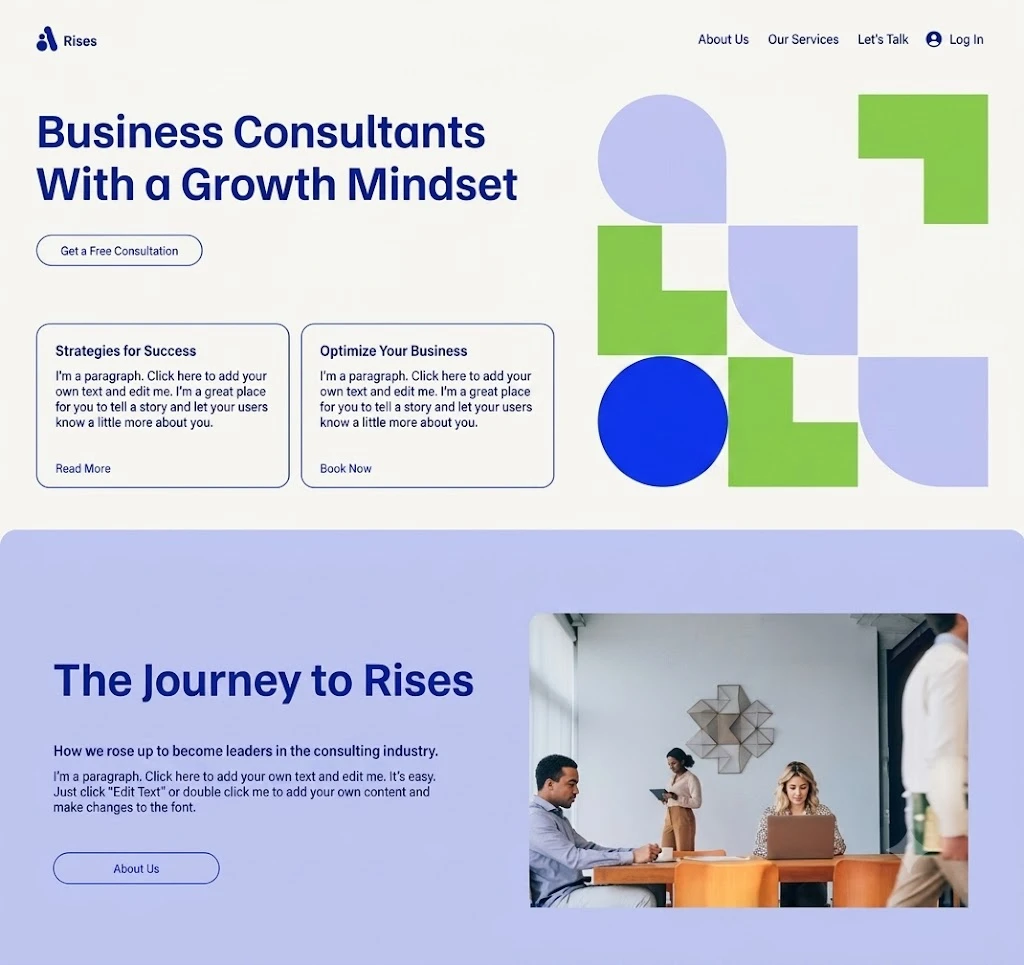
Choose a template close to your business type, or use the AI builder to draft a page from a plain-language prompt. Keep the layout that gives readers a clear sequence: promise, proof, details and a next step.
- A headline that says what you do and for whom.
- A short explanation of the offer and what makes it different.
- Proof that reduces hesitation.
- One clear action repeated where it makes sense.
4. Make the site easy to find
Give each important page a specific title and description. Use descriptive headings, name images clearly and answer real customer questions in plain language. Margick creates the technical foundation automatically; your job is to make the substance worth finding.
5. Preview, publish and learn
Check the phone version, test every form and checkout step, then publish. The first version is the start of the feedback loop. Watch how people arrive, where they hesitate and what they ask. Then improve the page that will make the biggest difference.
Start from a prompt or a conversion-ready template.